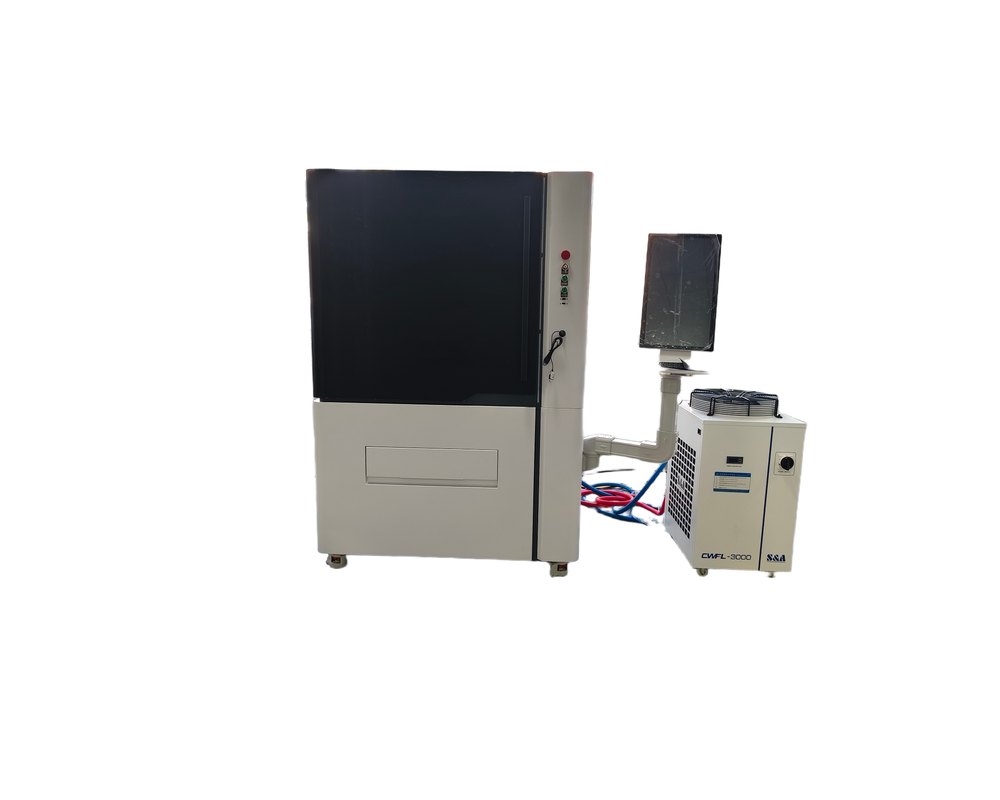
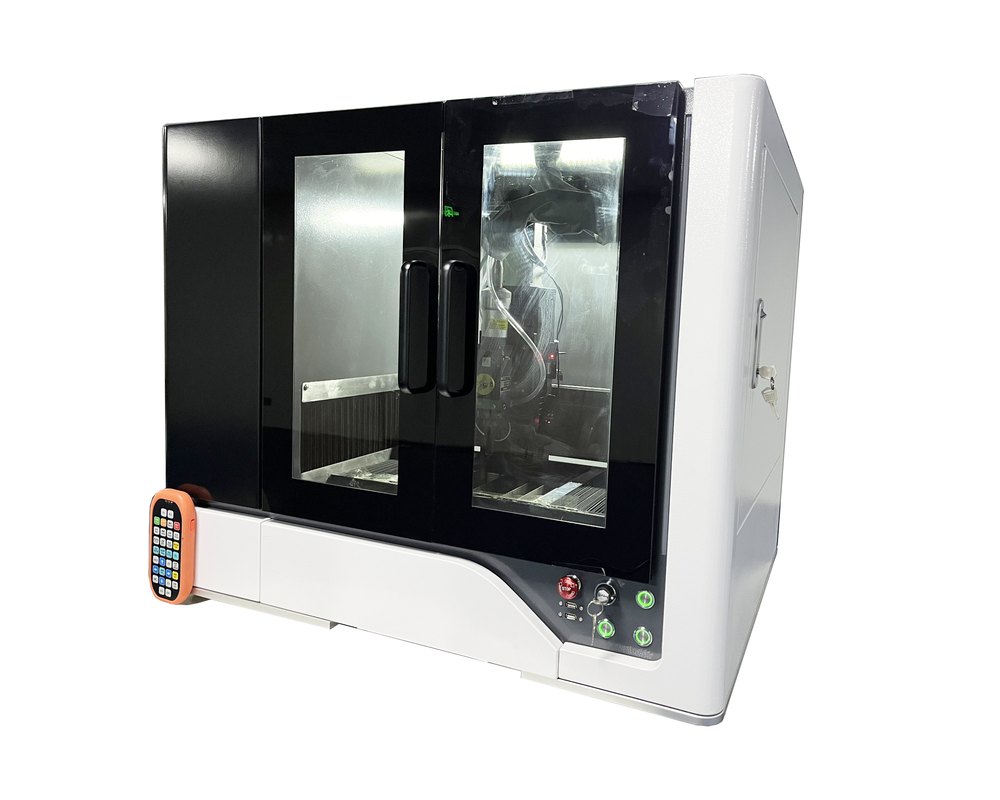
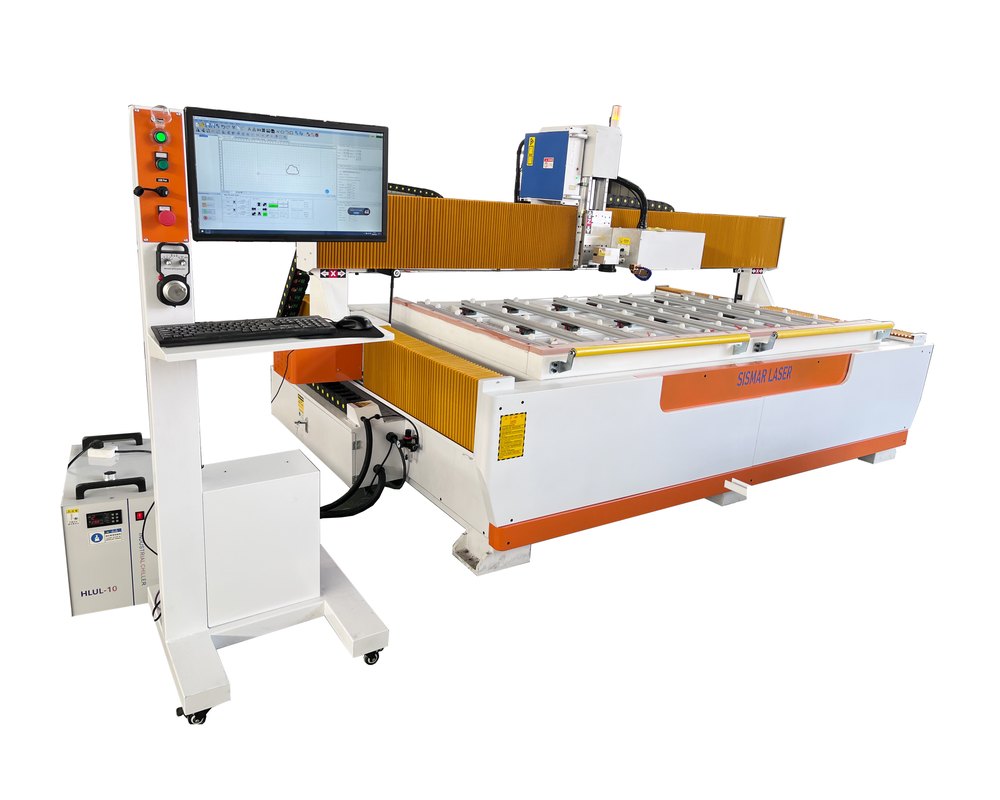
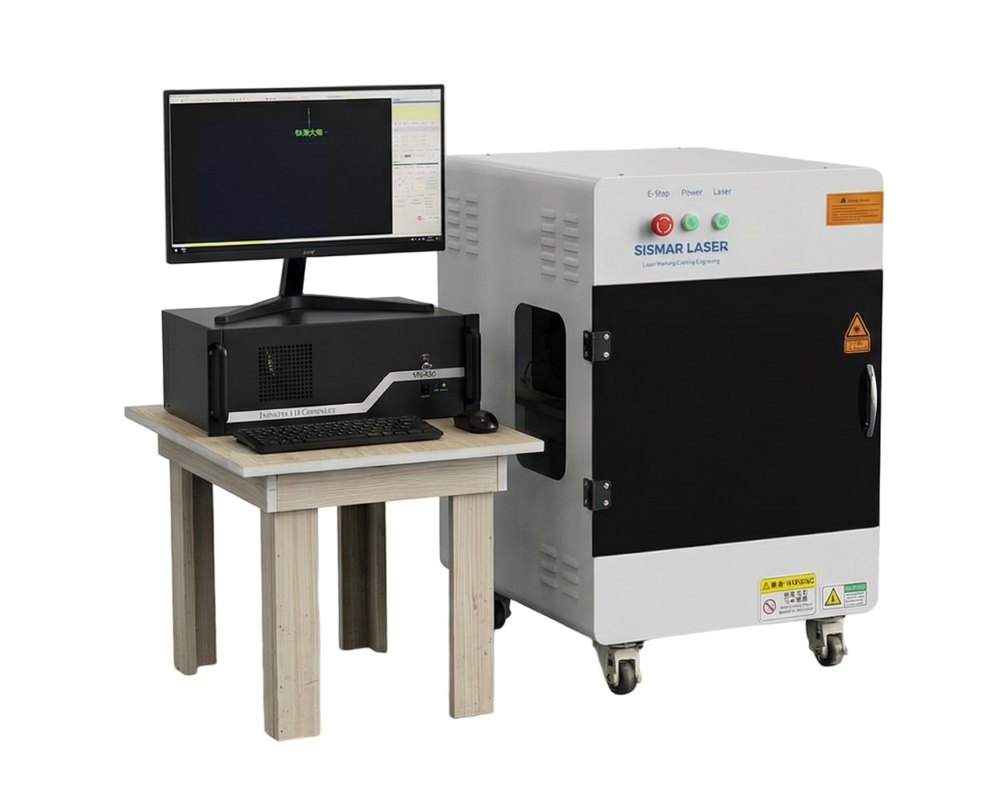
Today we will tell you how we engrave photos on a laser machine.
When you make the drawing,please save the japge or BMP format.Then you handle the drawing in the photoshop.The step is below.
1.open the drawing,adjust the drawing size,the resolution set into 800-1000,then ok.
2.reopen the drawing,choose the mode,grayscale,then ok
3.open the image-mode-Bitmap-choose the Halftone screen,the frequency is 50-70,the angel is 45,the shape (for the acrylic,it should be round;for the stone,it should be line)
4.Then you input the machine software to let machine work.
And you engrave the materials,the laser power should be less than 30%,we suggest you choose 12-17%.Please not worry,this time it will not happen the missing bits.
CONTACT US
Add: Kaituo Road, High-tech Zone, Jinan City, Shandong Province
Tel: +86-531-59535285
Fax: +86-531-59535285
Email: sales@sismarlaser.com
LATEST PRODUCTS
- Guide complet : Énergie d’impulsion (mJ) des machines de nettoyage laser JPT et leurs applicationsMay 4, 2026 - 9:17 am
- Guía completa: Energía de pulso (mJ) en máquinas de limpieza láser JPT y sus aplicacionesMay 4, 2026 - 9:05 am
- JPT Pulse Laser Cleaning Machine: mJ Explained & How to Choose the Right ModelMay 4, 2026 - 9:01 am
- How a Mini 3D Crystal Laser Inner Engraving Machine Is Changing the Customization BusinessApril 22, 2026 - 12:46 pm
- Stop Wasting Time on Small Beds: How Large Format Laser Marking is Doubling Factory Output OvernightApril 16, 2026 - 7:42 am