Factory-direct laser maker · 15+ years

2.5D Fiber Laser Marking Machine for Raised Metal Relief Engraving

Create coins, medals, nameplates, raised logos, and portrait relief on flat metal — plus deep engraving, marking, and thin metal cutting — with EZCAD 3.0 and a motorized Z-axis auto-focus.
A normal fiber laser — flat marking, same depth every time
This 2.5D fiber laser — controls depth layer by layer for real raised relief
Manual focus — adjust by hand for every part
Motorized Z-axis auto-focus — finds the focus automatically for consistent depth
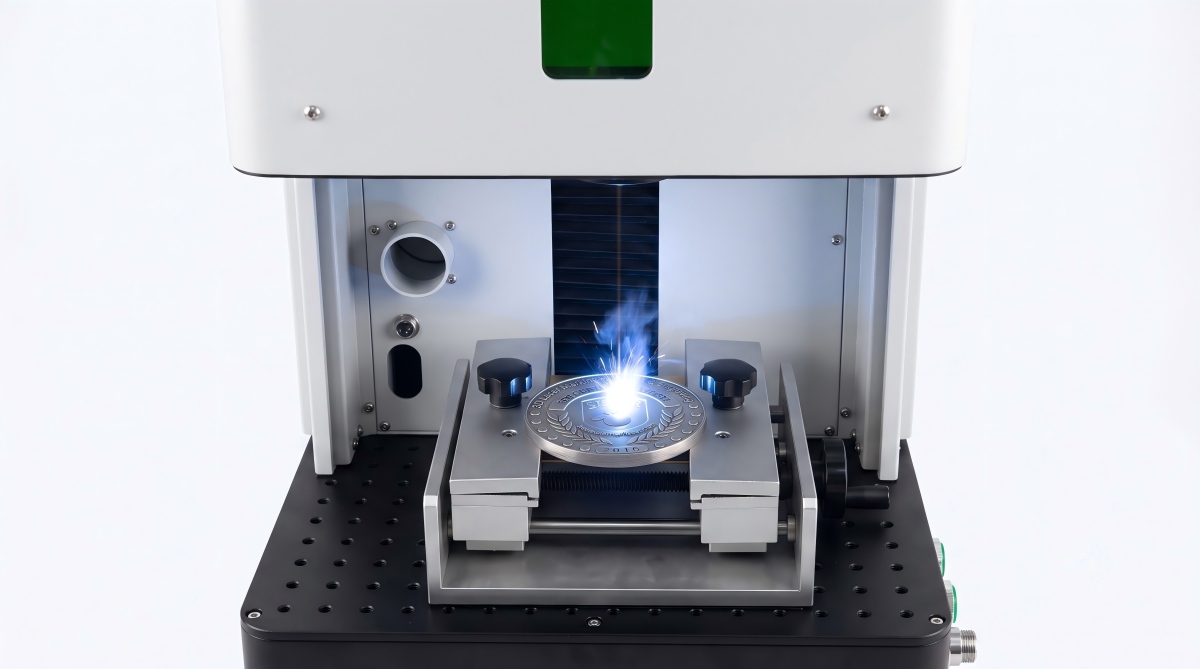
Real machine, real relief
2.5D fiber laser marking machine engraving raised metal relief
Watch the 2.5D fiber laser engrave raised relief on metal.
15+ yrs
Laser manufacturing
20–100W
Power configurations
Door-to-door
Shipping available
2 years
Standard warranty
Compliance CE marked FDA / 21 CFR 1040 ISO 9001
Real samples

What can this 2.5D fiber laser make?

From raised metal relief to deep engraving, marking, and thin metal cutting — all real samples made on our 2.5D fiber laser.
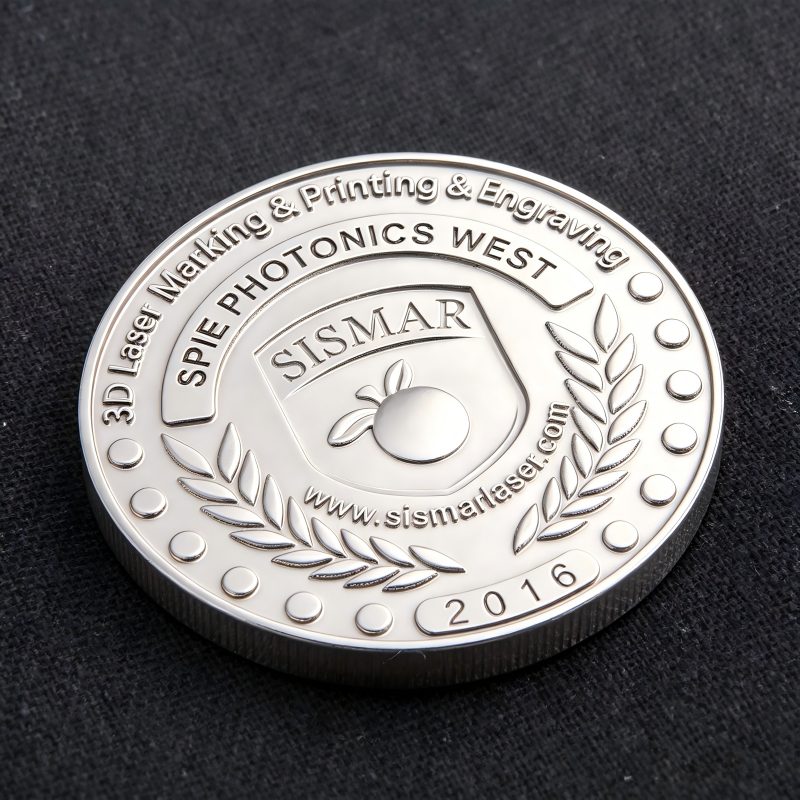
2.5D relief coin and medal engraved on metal with fiber laser
2.5D relief

Coin & medal relief

For coins, medals, badges, and commemorative metal parts.
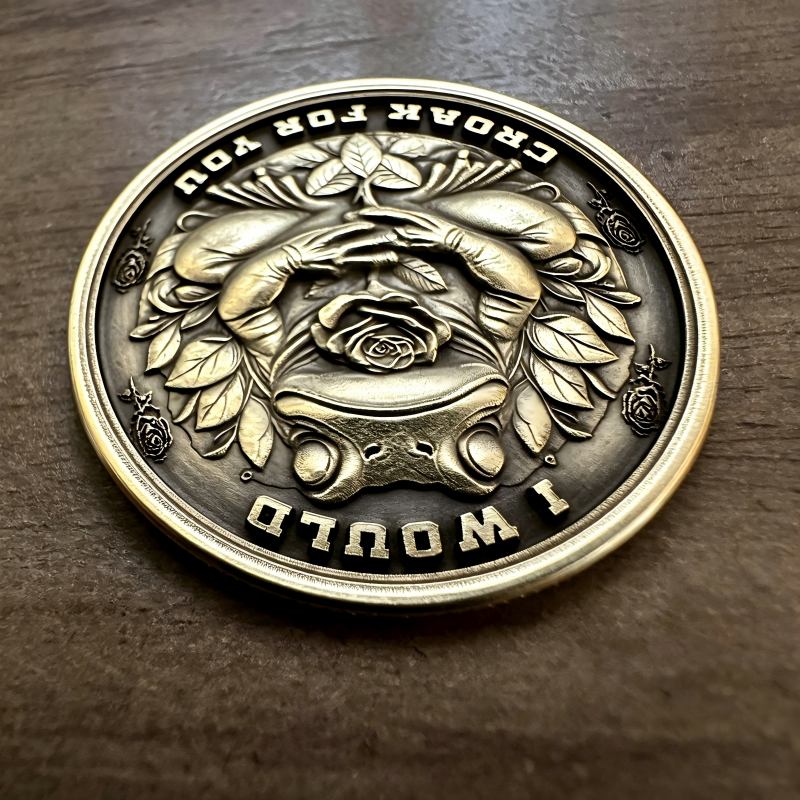
Raised logo engraved on flat metal with 2.5D fiber laser
2.5D relief

Raised logo on metal

Create raised logos and 3D-style branding on flat metal surfaces.
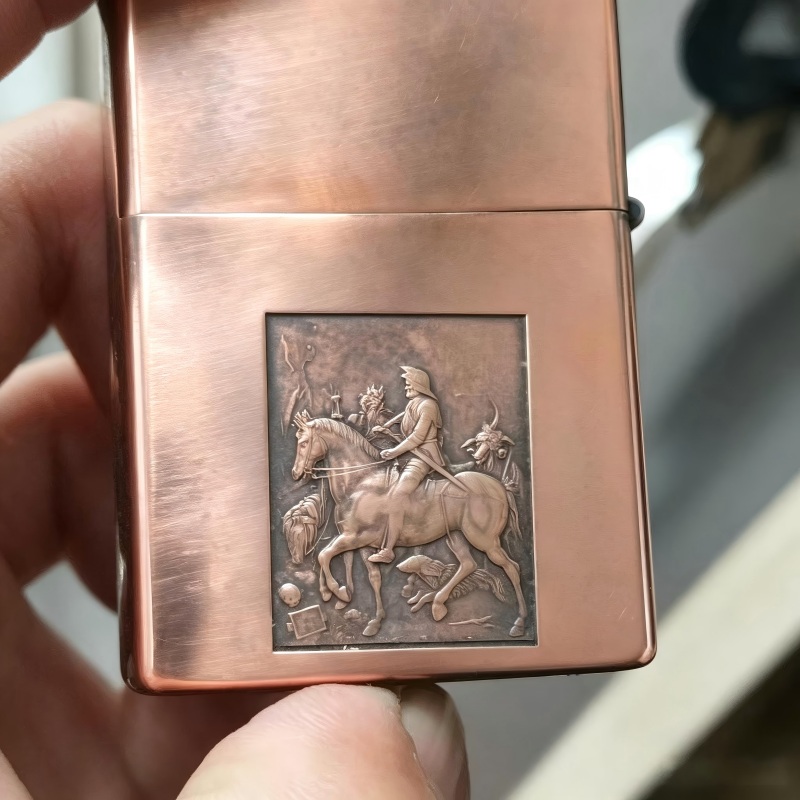
Portrait relief engraved on metal with 2.5D fiber laser
2.5D relief

Portrait relief

Engrave layered portrait effects with depth and detail.
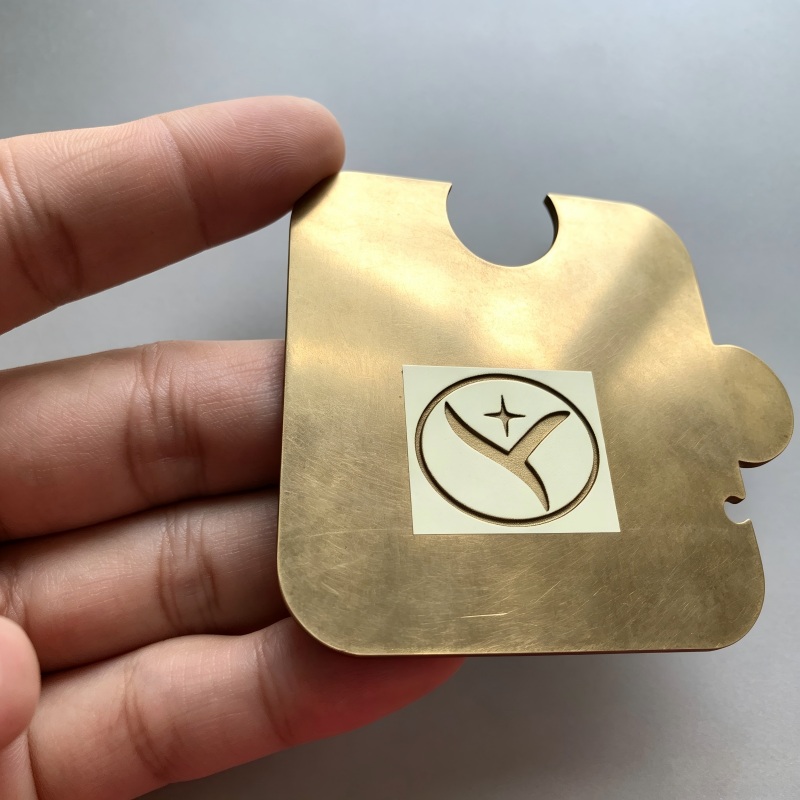
Deep-engraved metal nameplate made with fiber laser
Engraving

Deep-engraved nameplate

For metal nameplates, tags, plates, and industrial parts.
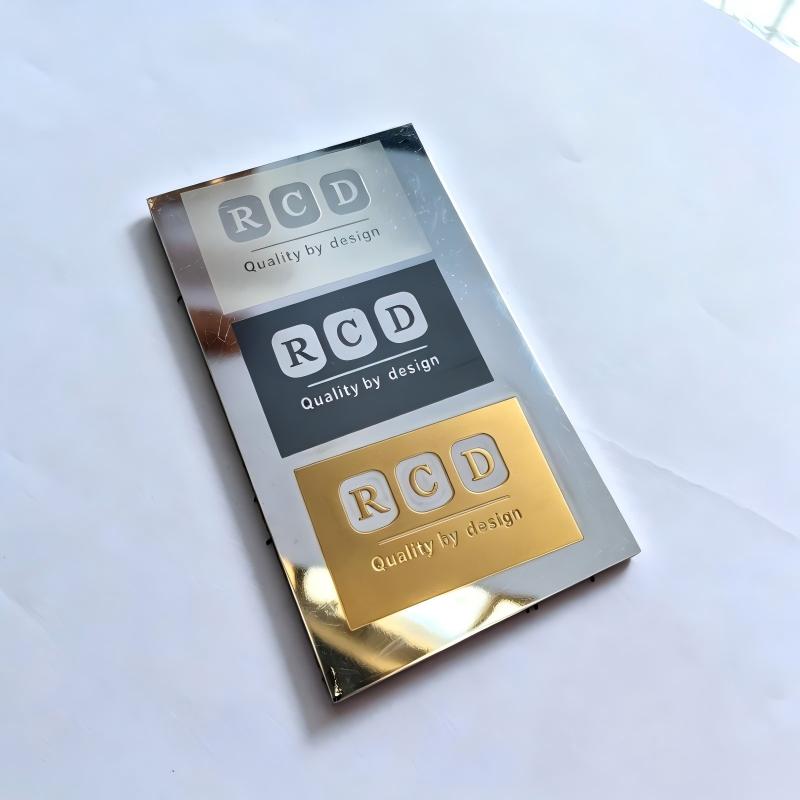
Black marking on a metal part with fiber laser
Marking

Black marking on metal

Clear black marking for logos, QR codes, serial numbers, and text.
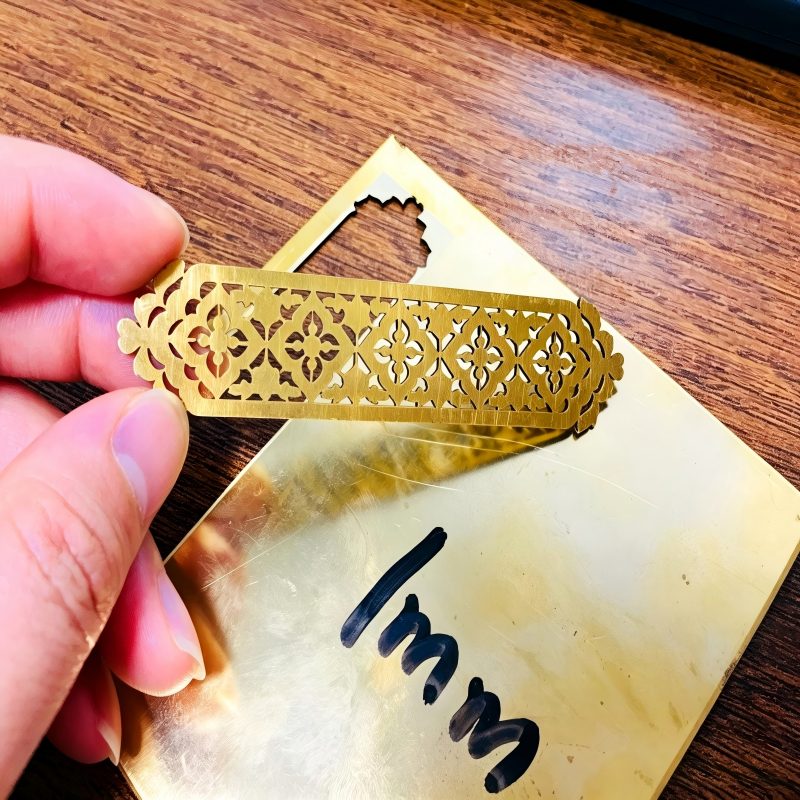
Thin metal sheet cut with fiber laser
Cutting

Thin metal cutting

Suitable for light cutting work on thin metal sheets.

Send us your design, material, and required effect — we can make a sample test before you decide.

The 2.5D difference

Why choose 2.5D instead of a normal fiber laser?

A normal fiber laser is good for marking, engraving, and light cutting. The 2.5D fiber laser does the same jobs — but with depth control, so it can create raised relief effects on flat metal.

Marking vs. engraving vs. 2.5D relief

Normal marking
Surface color marking with no depth. Best for logos, QR codes, serial numbers, and text.
Deep engraving
Cuts deeper into the metal, but the engraved area is still mostly flat. Best for nameplates, mold text, tags, and industrial parts.
2.5D relief
Controls depth layer by layer to create a raised 3D-style effect. Best for coins, medals, portraits, badges, and raised logos.

Mini Cover vs. 2.5D — which one should you choose?

Function
Mini Cover
2.5D
Marking
Engraving
Thin metal cutting
2.5D relief
Focus adjustment
Manual
Motorized Z-axis auto focus
Best for
Marking, engraving & cutting
Relief, deeper work & auto focus

If you only need normal marking, engraving, or thin metal cutting, the Mini Cover is the more cost-effective choice. If you want raised metal relief — coins, medals, portraits — or automatic focus adjustment, the 2.5D fiber laser is the better option.

The machine

Built for relief work, easy to run

What it's made of, how you run it, and what it looks like working.

A

Built for 2.5D relief engraving

Not just a standard marking machine — this system is built around EZCAD 3.0, motorized Z-axis depth control, and real relief engraving on flat metal.
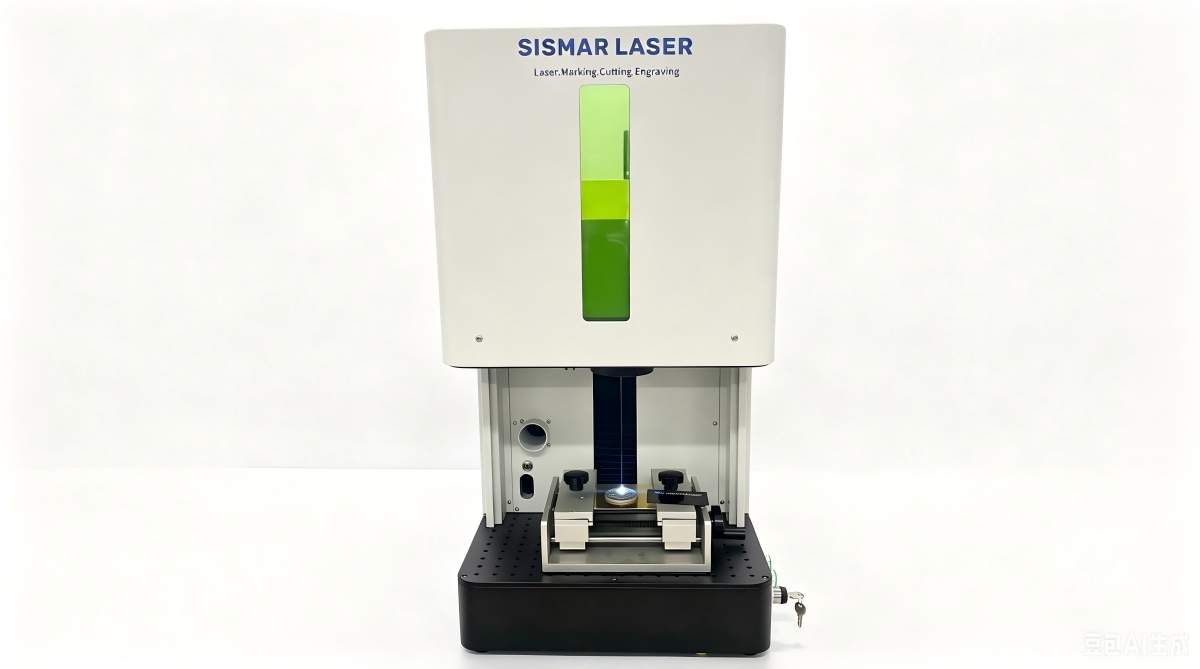
Complete 2.5D fiber laser system with Z-axis column engraving relief
System

Complete 2.5D fiber laser system

Full machine view with laser head, Z-axis column, worktable, and control computer.
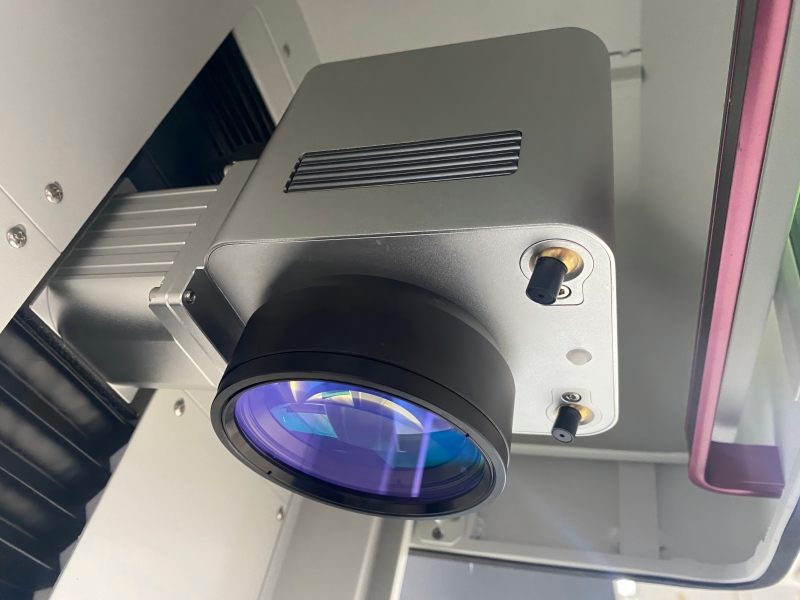
Motorized Z-axis laser head for relief depth control
Z-axis

Motorized Z-axis for depth control

The laser head moves automatically during engraving to keep the right focus and build relief depth.
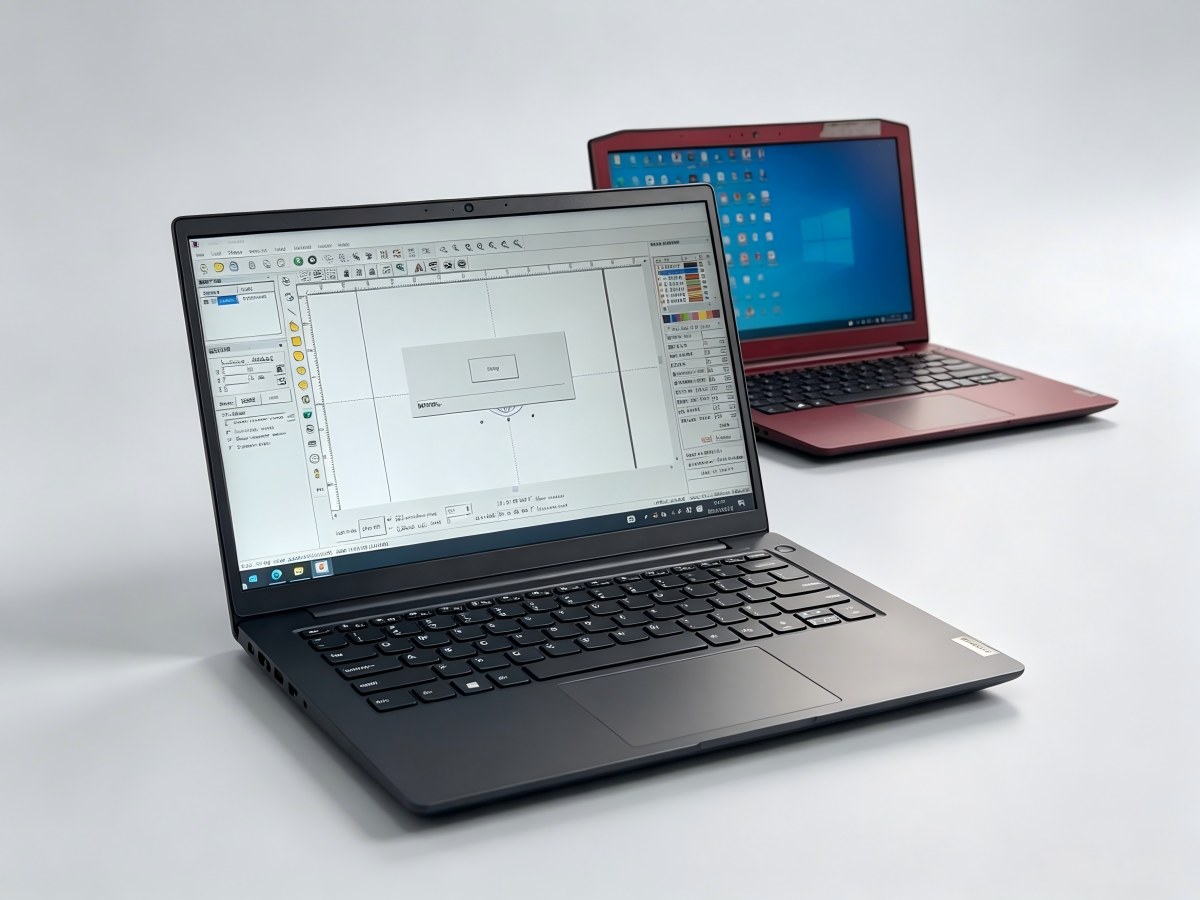
EZCAD 3.0 software showing a grayscale 2.5D relief project
Software

EZCAD 3.0 relief software

Create relief engraving from grayscale images or 3D files, then control the engraving depth layer by layer.
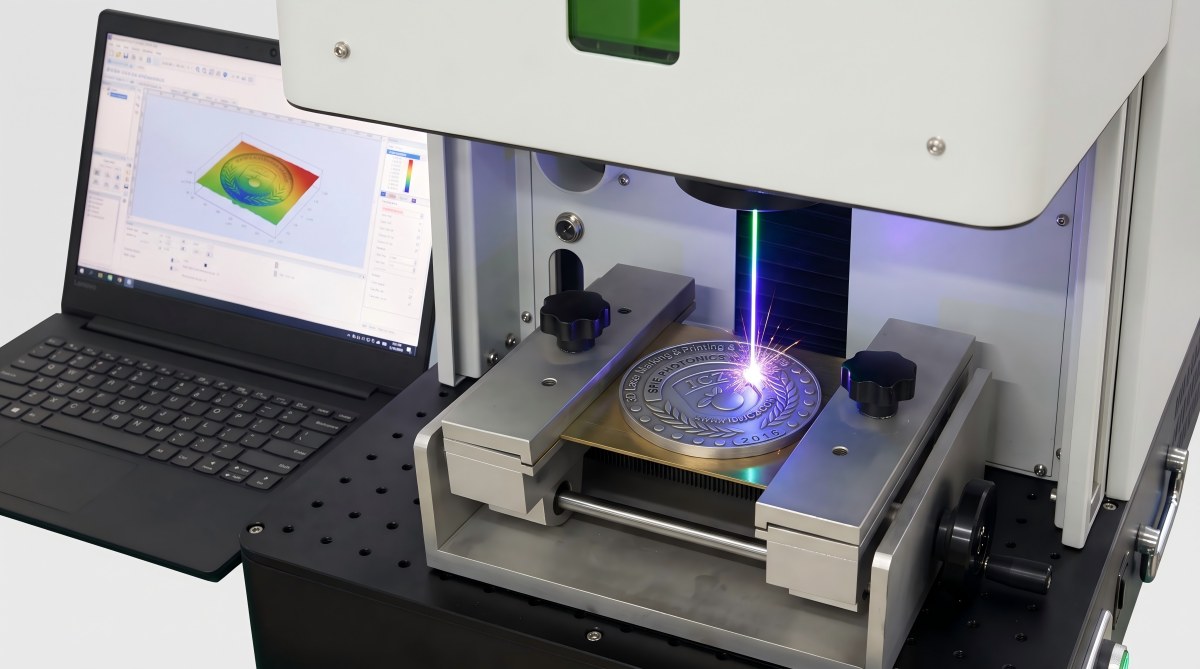
Metal relief sample being engraved on the worktable
Output

Relief engraving in progress

Real metal relief sample being engraved on the worktable — coins, medals, logos, and nameplates.

B

Three steps to run it

1

Open your design file

Vector (AI, DXF, SVG, PLT) for marking and cutting, or a grayscale image / STL for relief — straight into EZCAD 3.0.

2

Set part down, it focuses itself

Set your part on the table — the motorized Z-axis finds the focus on its own. Nothing to dial in by hand.

3

Press start

Marking, deep engraving, 2.5D relief, or cutting — all on one machine.

New to relief files? Send us your grayscale image or STL and we'll check it's ready before production — no need for a perfect 3D file first.
C

Watch it run

2.5D relief engraving on metal with the fiber laser
2.5D relief on metal (full run)
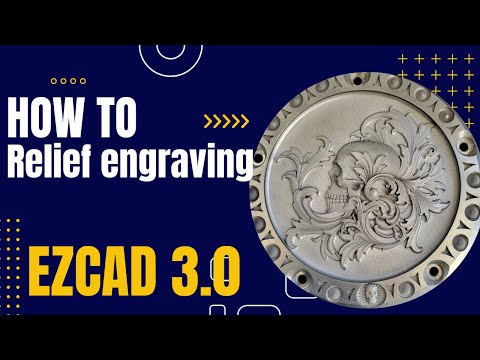
Making a 2.5D relief file from a grayscale image in EZCAD 3.0
Make the file in EZCAD 3.0
Marking, engraving and cutting on metal with the fiber laser
Marking, engraving & cutting
Power & specs

Which power is right for your work?

We offer 20W to 100W configurations. The best choice depends on how deep you need to engrave, what material you run, and your daily output.

Your main job
Recommended
Logos, QR codes, serial numbers
20W / 30W
Deep engraving and small relief work
50W
Most 2.5D relief, engraving, and light cutting
60W MOPAMost ordered
Faster engraving, deeper relief, higher output
100W MOPA
For most metal relief and engraving jobs, we recommend the 60W MOPA — a good balance of engraving depth, speed, and cost. Send us your material, design size, and the effect you want, and we'll confirm the right power before quoting.
Main specifications
Laser power20–100W
Laser sourceJPT fiber, 1064 nm (MOPA on 60W and above)
Working area110×110 mm (other lenses available)
SoftwareEZCAD 3.0 (included)
Supported filesAI · DXF · SVG · PLT · STL · BMP · JPG · PNG
FocusMotorized Z-axis auto focus
Marking speedUp to 7000 mm/s
Power supply0.5 kW · 220V or 110V · 50–60Hz
Warranty2 years + spare parts
Optional partsEnclosure · rotary axis · different lenses

We'll include the full technical datasheet with your quote.

OEM / ODM & batch orders — built in our factory, private-label and volume pricing available.
FAQ

Questions buyers ask first

Straight answers — then send your design and we'll test it.

Can it make real 3D relief?
Yes — depth-controlled 2.5D relief on flat metal: raised logos, coins, medals, portraits, embossed nameplates. EZCAD 3.0 turns a grayscale or 3D file into real raised depth.
Can it engrave curved or round surfaces?
No — the relief is for flat surfaces. It won't wrap a relief around a curved or irregular 3D shape. If your part is flat, you're good.
What file is needed for 2.5D relief?
A grayscale image or a 3D model (STL). If you're not sure your file is ready, send it over — we'll check it before production, so you don't need a perfect 3D file to start.
Which power is best for me?
For both 2.5D relief and metal engraving, 60W MOPA is the balanced choice most customers order. Marking only? 20–30W. Higher volume or the deepest work? 100W.
Can you test my design before I order?
Yes. Send your design, material, and the effect you want — we'll make a real sample or a sample video before you commit.
Free sample test

Send your design, we'll test it on your part

Tell us your material, part size, and the effect you want — we'll run a real sample and send it back with a price and shipping quote.