Big parts, small marks — one moving scanner does it.
Marking a big workpiece usually doesn't mean marking one big image. It's a serial number in one corner, a QR code in another, a logo somewhere in the middle. This machine handles all three — one small, sharp scanner that moves to each mark instead of one big scanner trying to cover the whole part at once.
Your part is big, but the marks are small and everywhere.
A big workpiece is usually made up of small marks in scattered places — not one giant image. If that's your kind of work, buying a machine sized for "one giant image" is money spent on scan field you'll never use.
Your part is bigger than a standard scanner covers
A panel, a housing, a frame — 400×600mm, 800×800mm, or bigger. Standard markers can't reach the far corners.
The marks are scattered, not one image
A logo here, a serial number there, a QR code somewhere else. Each mark is small, but they're spread across the part.
Big scanners are expensive
A large-field scanner and lens costs several times what a 100×100 one does — and if you don't need continuous coverage, you're paying for capability you'll never use.
You need the same layout, every time
Same panel, same marks, same positions — day after day. Manual re-alignment adds minutes to every part.
The scanner moves, marks, moves again.
One scanner. One area at a time. That's the whole trick — a small, sharp scanner mounted on a moving arm, doing what a big scanner does, one 100×100mm patch at a time.
Load the layout
Import the drawing and the marking information.
Set the positions
Tell the system where each mark should be placed.
Mark the area
Scanner fires within the 100×100mm zone.
Move to the next area
The arm carries the scanner to the next coordinate.
Finish the workpiece
Repeat until every mark is done.
Each mark is finished before the scanner moves.
Instead of one big scanner covering the whole part, a small scanner is carried to each mark. Same coverage, mark by mark, at small-scanner precision — and small-scanner cost.
- One scanner, moved by the arm to wherever the marks are
- Each mark lands inside its own 100×100mm zone
- Every zone can carry different text, code or graphic
- Travel range built to your part — not to a standard box
Where a moving scanner beats a big one.
Four kinds of work where the marks are small and spread out — not one big continuous image. If your part fits any of these, this machine is likely the leanest way to do it.
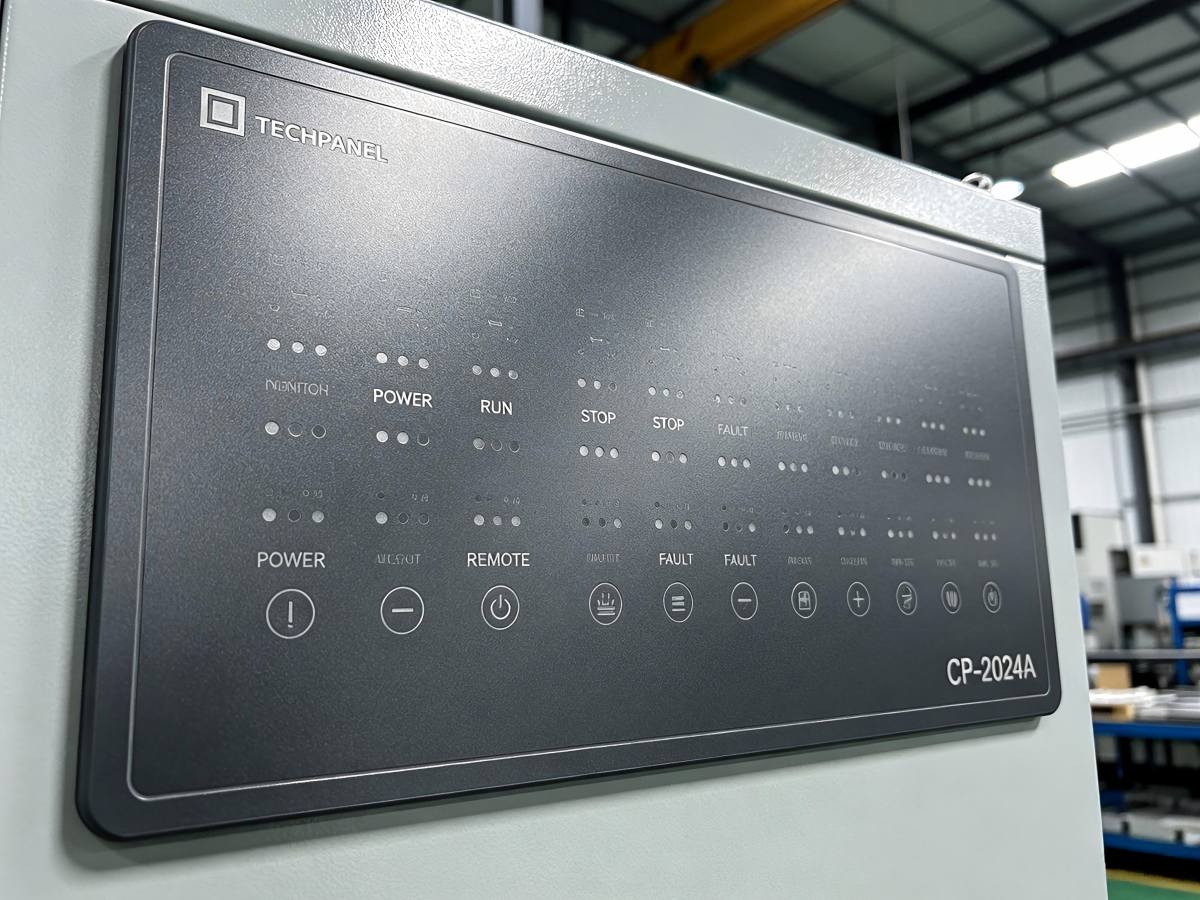
Control panels & appliance housings
Model number in one corner, safety mark in another, brand logo somewhere else — home appliance panels, control-cabinet doors, machine covers.
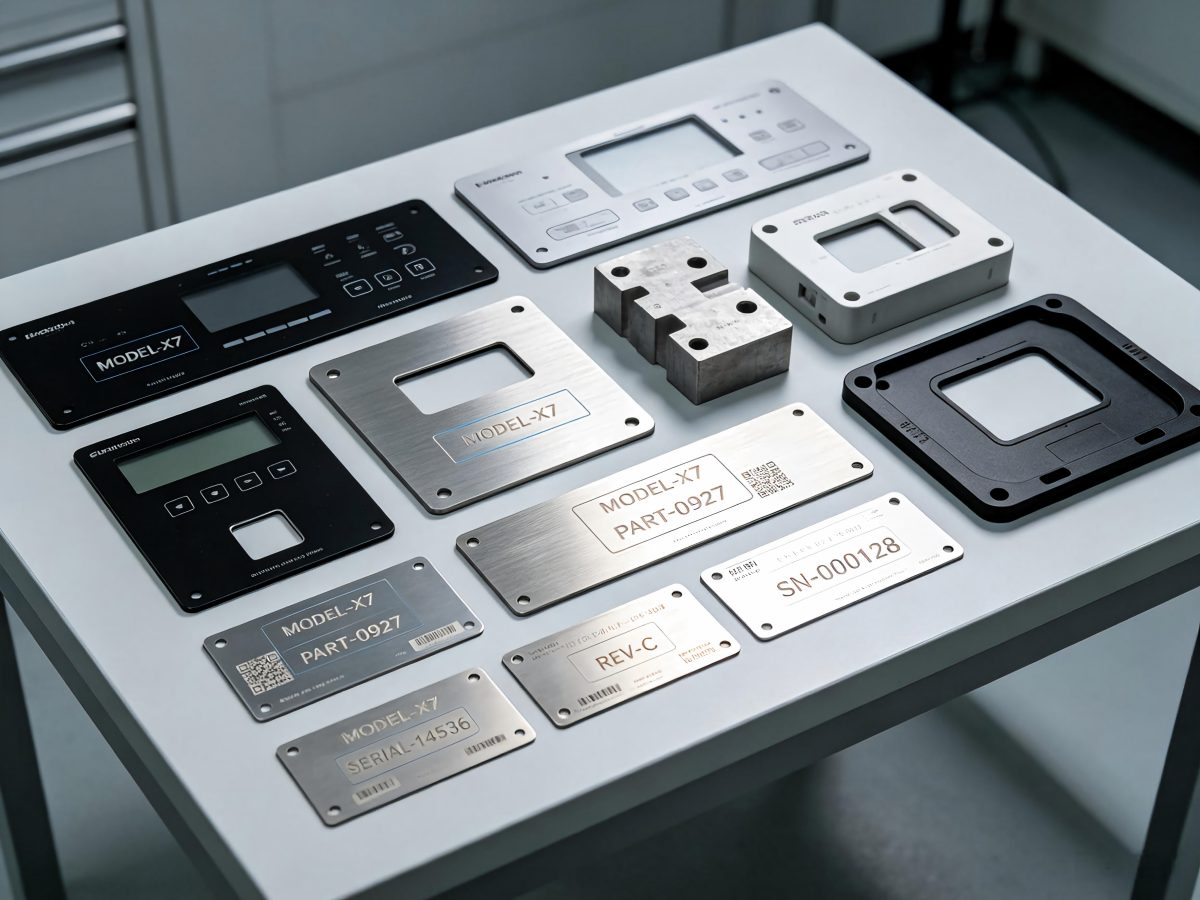
Serial numbers on large components
Structural parts and industrial castings that need traceability codes placed exactly, at defined positions, matching the drawing.
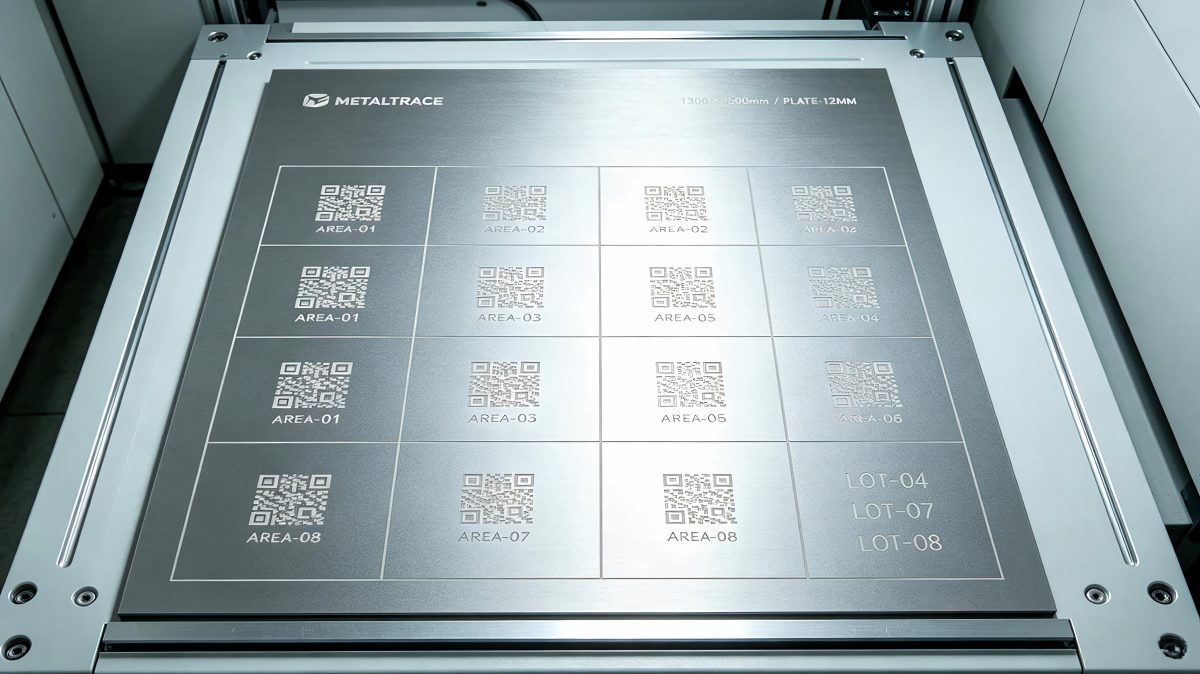
Multi-position codes on sheet stock
Large metal sheets, plates or blanks with a QR code, batch number and logo — each mark separate, none of them larger than 100mm across.
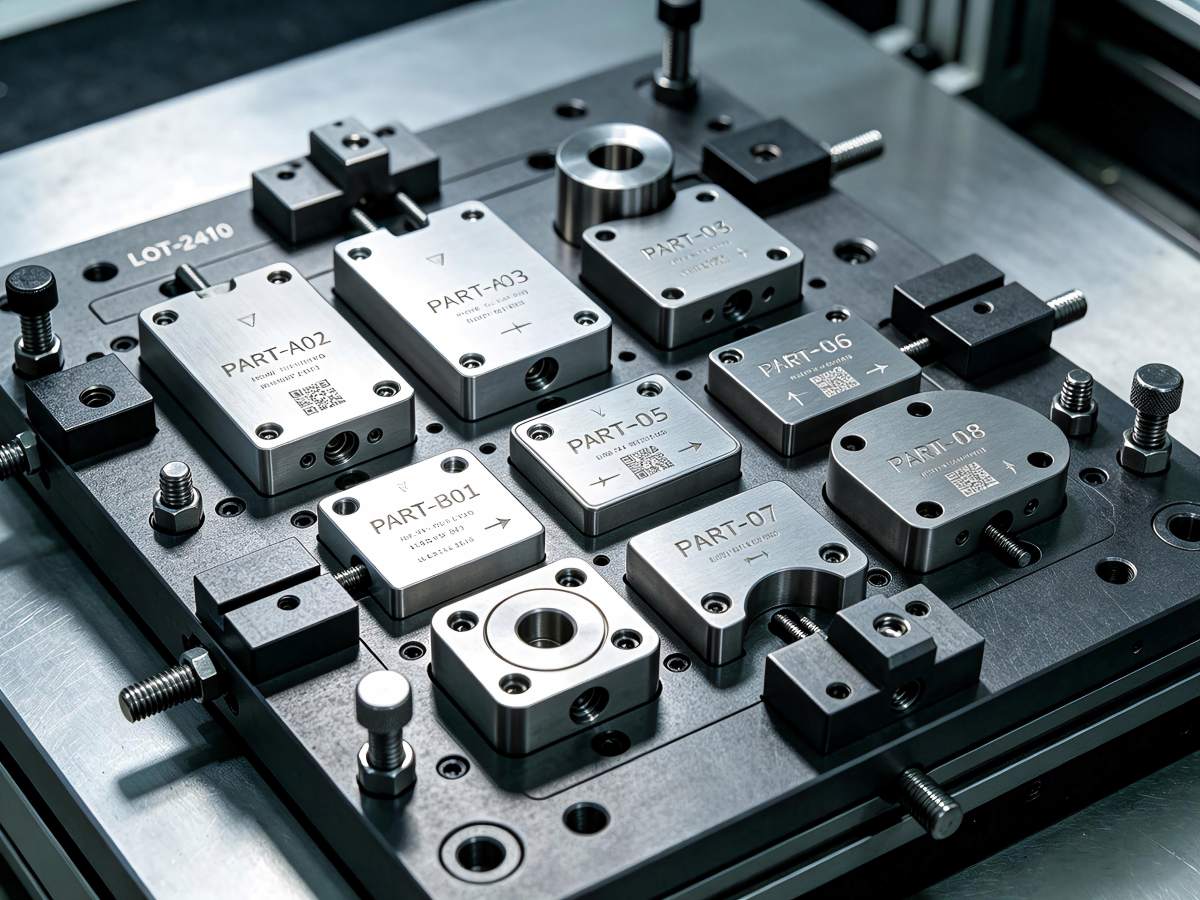
Batch small parts on one fixture
A tray of small parts loaded once, marked with different content per part — same setup, no repositioning between marks.
We build it to your part, not to a standard spec.
Send us the material, the file, and the layout of your marks. We'll match the source, lens and travel range to what you actually need — and drop what you don't.
| Parameter | Typical configuration |
|---|---|
| Laser source | Fiber or MOPA fiber laser; other laser sources subject to material testing |
| Laser power | Matched to material, mark size and cycle time |
| Galvo scanner | One scanner mounted on the moving arm |
| Individual marking zone | Up to 100×100 mm |
| Overall working area | Built to your part size — travel range on request |
| Moving structure | Moving gantry beam or mechanical arm, depending on workpiece size |
| Marking content | Text, logo, QR code, DataMatrix, barcode and graphics |
| Stitching control | EZCAD3 with area-by-area positioning and stitching control |
| Communication | TCP/IP, PLC or other integration — subject to project confirmation |
| Power supply | AC 220V, 50/60Hz; other requirements can be confirmed |
Watch the arm work — one mark at a time.
A field-size number on a spec sheet doesn't tell you much. The arm moving, the mark landing, the finished part — that does.
 ▶
▶
Zone-by-zone marking
The arm carrying the scanner from one mark to the next, no pauses.
 ▶
▶
Multiple codes on one part
Different text and codes across a single large workpiece — each landing in its own zone.
 ▶
▶
Full layout result
The finished part, straight from the machine. Close-ups included.
Before you send us a message — a few things worth asking.
Does the machine use one galvo scanner or multiple scanners?
One. The scanner is mounted on a moving arm — it marks one area, moves to the next, marks that one, and so on. Same scanner throughout.
Is 100×100mm the total machine working area?
No. 100×100mm is the size of one mark, not the whole machine. Total coverage depends on how far the arm can travel — and we build that travel range to your part.
Can different positions have different marking content?
Yes. Each zone runs its own file — text in one spot, a QR code in another, a logo somewhere else. All in one setup, no manual switching between marks.
Can I prepare the whole workpiece in one file?
Usually yes. Send us the drawing and we'll tell you whether one file works, or whether we need to split it into zone files. Either way, it runs the same on the machine.
Is this the same as 3D dynamic-focus marking?
No — different jobs. This machine covers more ground by carrying a small scanner from mark to mark. A 3D dynamic-focus system uses one big scanner that adjusts focus for curved or stepped surfaces. If your part is flat, this one; if it's curved or has relief, look at 3D dynamic focus instead.
Can you test our material and drawing first?
Yes — and we recommend it. Send us the material, part size, marking file (or photos), and what the finished mark should look like. We'll run it before we finalize the configuration, so what you get on delivery matches what you approved on sample.
Tell us about the part. We'll come back with a real answer.
The more you tell us up front — material, part size, where the marks go — the tighter the configuration we can build. If you have a drawing or a photo, even better.