
Inline Laser Marking Machine for HDPE, PVC & PE Pipes
Continuous Marking on Your Extrusion Line — No Ink, No Consumables
Your line doesn’t stop, so the marking shouldn’t stop it either. This machine sits right on the extrusion line and marks the pipe while it’s still moving. Once it’s running, you stop buying ink and swapping cartridges — maintenance is limited to occasional optics cleaning.
For HDPE and PVC, 60W or 100W fiber laser is our starting point. Pipe color, resin grade, and additives can still change how it marks, so rather than guess from the material name alone, we test. Send a sample, we’ll run it under both fiber and UV, send you the actual marked piece back, and you decide from there.
How This Usually Goes
- 1You send a pipe sample
- 2We test it on fiber and UV
- 3You get the marked sample back
- 4We lock in the spec together
Which Laser Does Your Pipe Need?
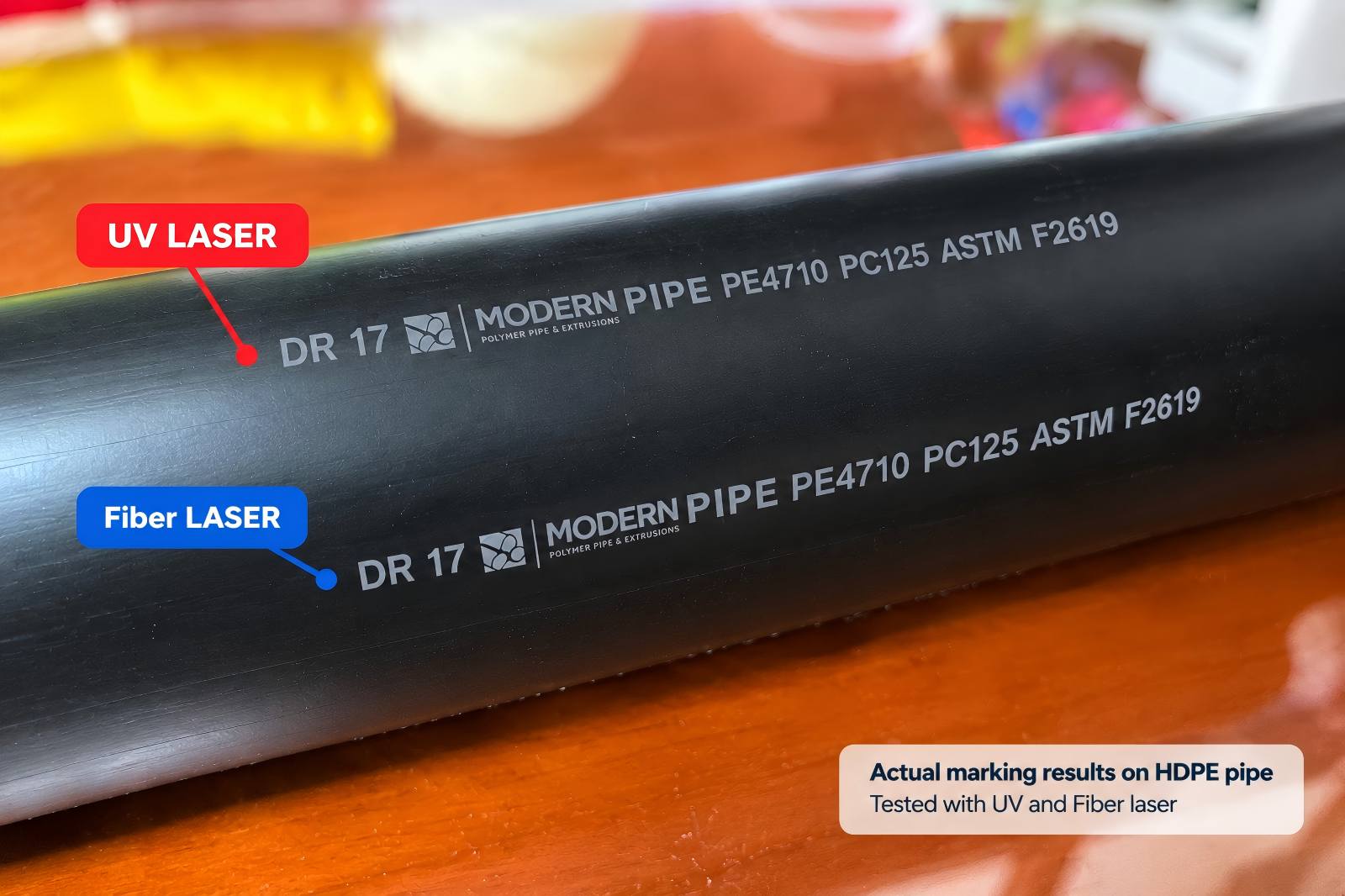
Fiber by default, UV after a real test
Most HDPE and PVC customers end up on 60W or 100W fiber — that’s the default recommendation.
Pipe color, resin grade, and additives can still change how it marks. Fiber gives a clean, high-contrast mark on many materials — for others, UV works better. The only way to know for sure is a test.
- Free sample test. We run your pipe under fiber and UV before you commit to anything.
- PVC and fume-generating materials. Extraction or ventilation at your installation site is on the customer’s side — tell us your setup and we can advise on what you’ll need.
Built to Work With Your Production Line
The marking system works directly with your extrusion line. Sensors, encoder signals, and communication interfaces can be configured according to your production process.
The marking station is typically installed after cooling and haul-off — most customers choose this position, though final placement depends on your line layout.
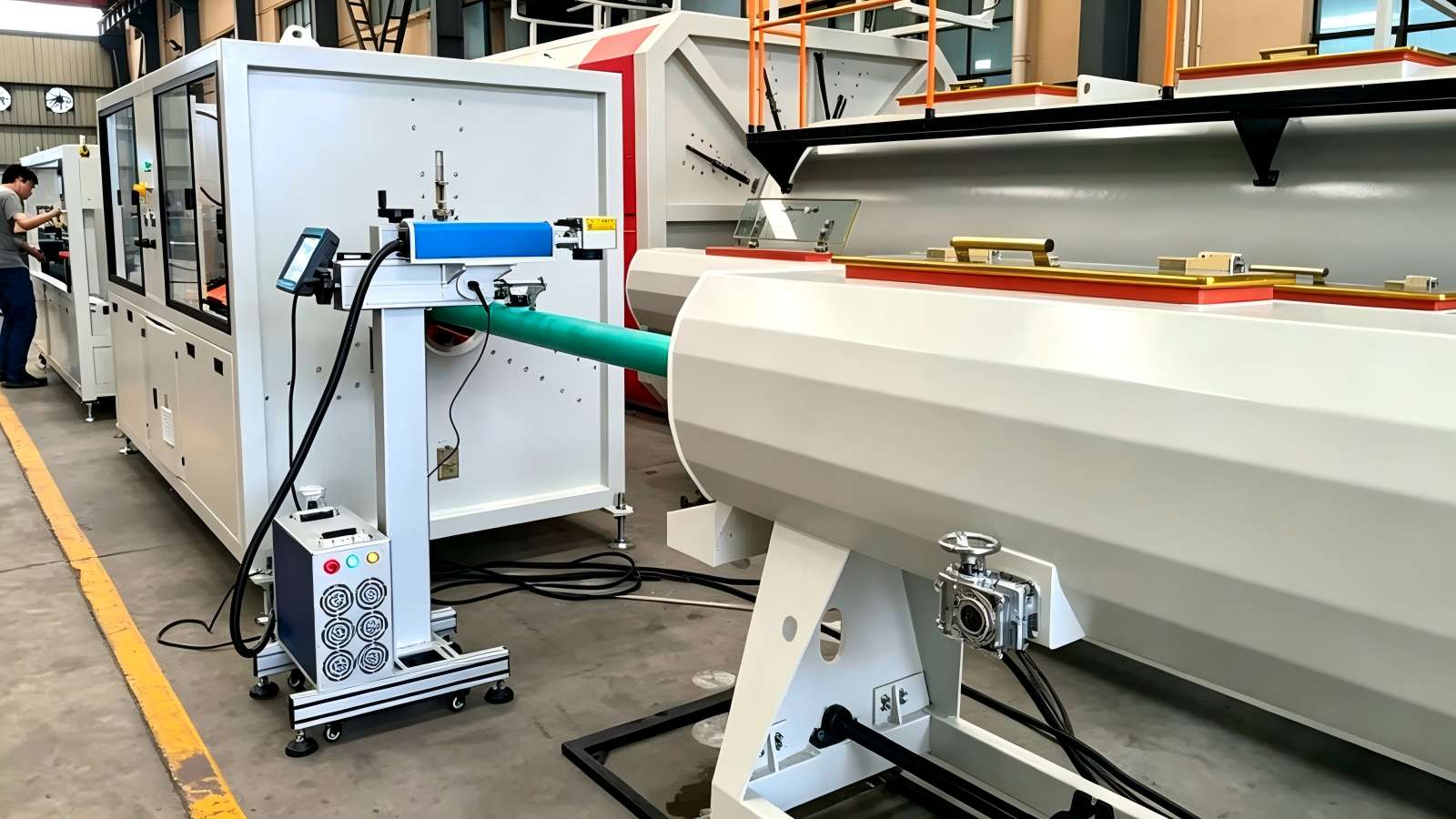
Installed on a customer’s HDPE extrusion line — the marking station sits inline after cooling and haul-off.
Sensor & Encoder Synchronization
Sensors detect the pipe, while the encoder tracks line speed. Marking is triggered and synchronized automatically as the pipe moves through.
PLC / Host System Integration
Ethernet or TCP/IP connects the machine to your line’s control system. Depending on the agreed interface, the host system can select stored marking recipes and update variable data through that connection.
Recipe & Variable Data Control
Marking templates for different pipe specifications are stored on the machine. Recipes can be selected through the HMI or the connected host system — batch numbers, dates, serial numbers, and QR codes or barcodes update accordingly.
Communication and control requirements are confirmed according to your existing extrusion line before production.
Standard Open-Frame or Fully Enclosed
Two configurations are available, depending on your production line, installation environment, and safety requirements.
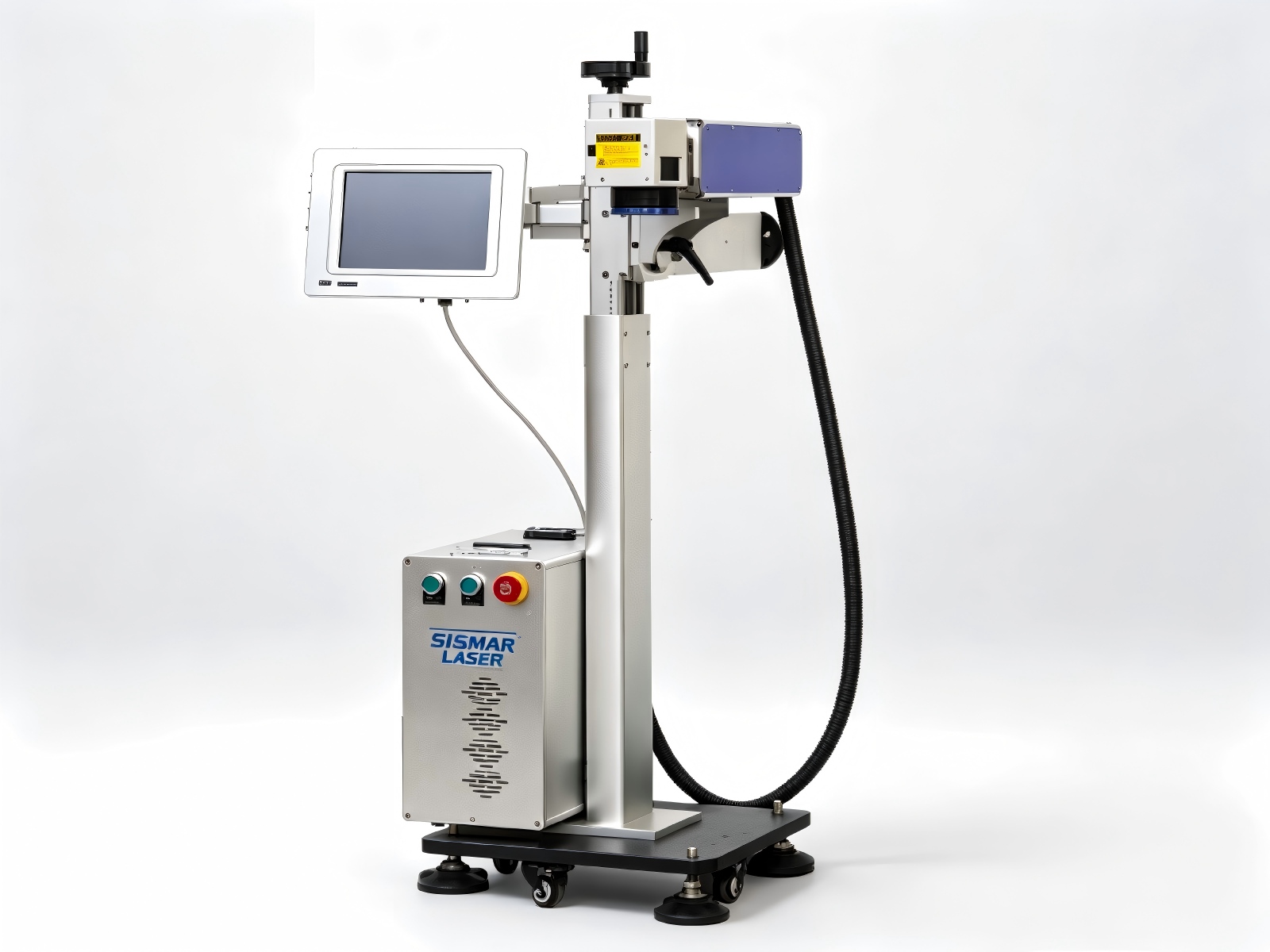
Pipe diameter doesn’t change how the standard machine mounts or runs. You don’t need to send us your exact size to get a working quote. This covers the majority of open-line setups we see, and honestly, if your line is a typical open configuration, you probably don’t need anything more than this.
- Open extrusion-line layouts
- Standard installations with no additional enclosure needed
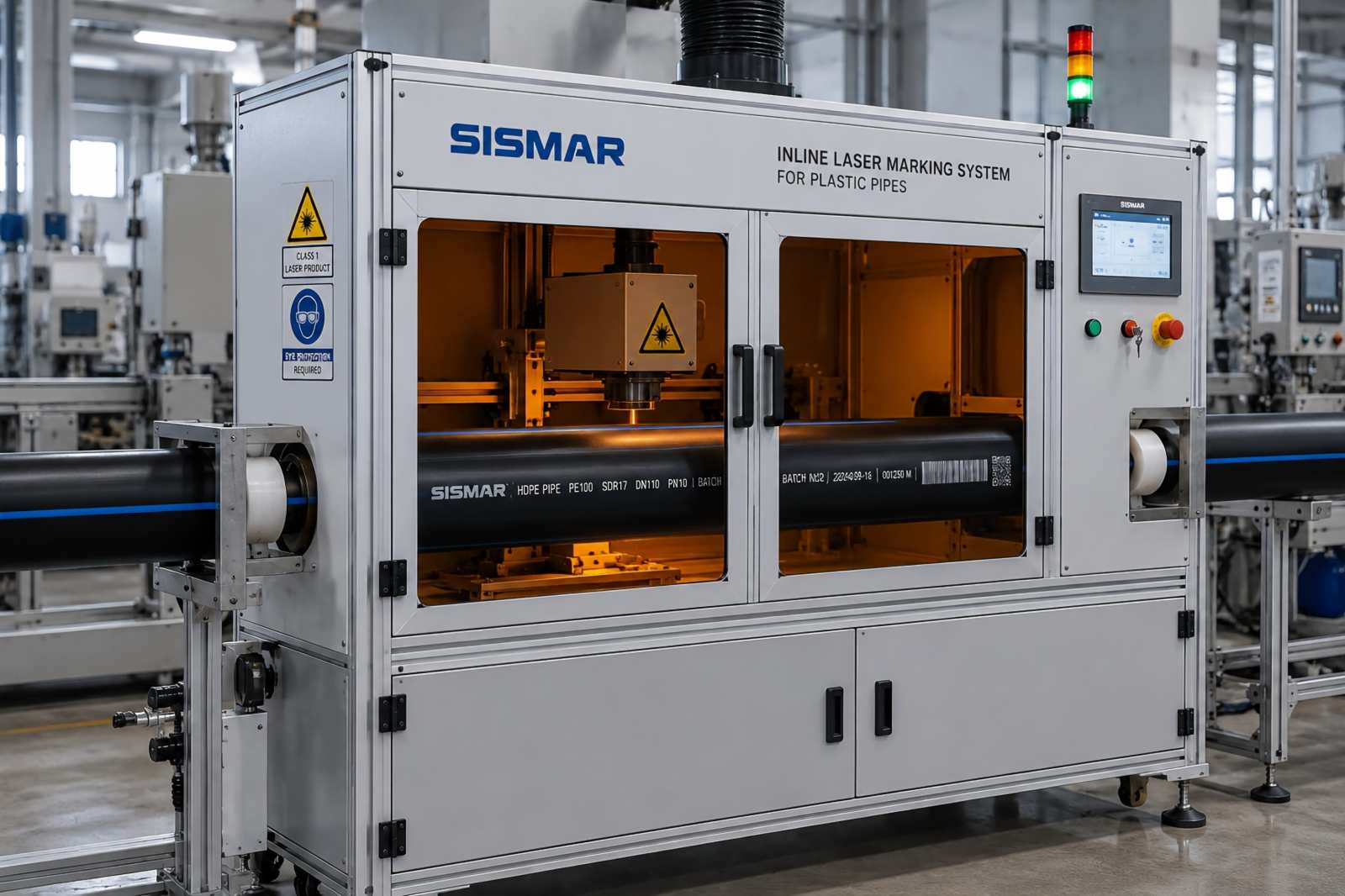
Some setups need the marking head fully enclosed — dust, safety guarding requirements, a tighter line layout. That version gets built around your specific pipe diameter, so we do need those numbers for this one. We’re not going to push you into the enclosed version if your line doesn’t call for it — it costs more, and most people don’t need it.
- Dust and fume control
- Additional safety guarding requirements
- Tighter production-line layouts
Not sure which one fits your line? If you’re considering the enclosed version, send us your pipe diameter range and a photo of the installation area — we’ll confirm the structure before quotation.
What Gets Marked, and Why It Matters
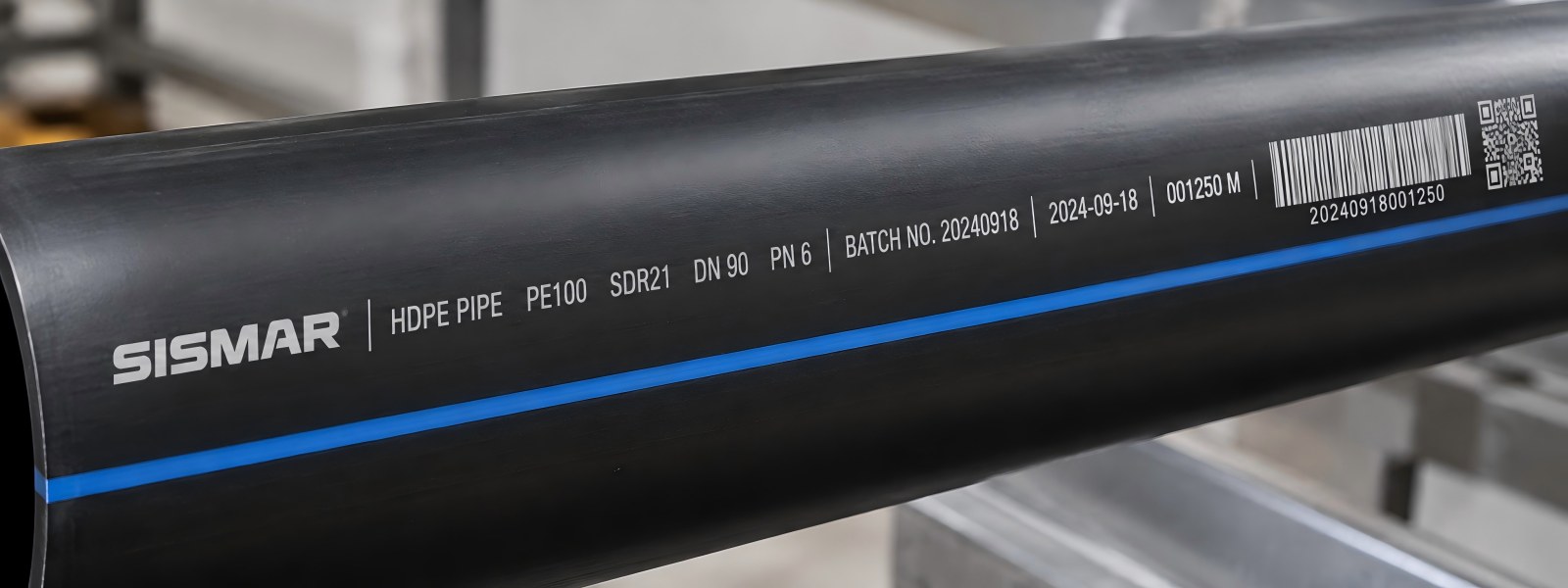
On the pipe, not on a label
If you’re selling into water or gas pipe, this isn’t decoration — it’s usually what your customer’s spec is actually asking for. The mark comes off the line already on the pipe, not added in a separate labeling step afterward.
- Batch numbers & production dates — for lot tracking, the thing you actually need when a customer calls about a bad run.
- Brand logo — put directly on the pipe instead of a sticker that can come off in shipping.
- QR codes & barcodes — for traceability down the supply chain. Code size and scan distance are confirmed during your sample test.
Laser vs. What You’re Probably Using Now
| Fiber/UV Laser | CIJ Inkjet | Hot Stamp / Roller | |
|---|---|---|---|
| Consumables | None | Ink, solvent, regular refills | Ribbon or foil |
| Variable data (batch, date, QR) | Yes | Yes | Limited, mostly logos |
| Contact with pipe | Non-contact | Non-contact | Contact |
| Mark durability | Permanent on suitable materials | Depends on ink, material, and environment | Depends on material and process |
| What you’re maintaining | Optics, occasional cleaning | Ink system, nozzles, filters | Mechanical wear parts |
| Line synchronization | Sensor/encoder trigger | Commonly supported | Depends on system |
| Typical strength | Low consumable use, permanent marking | Mature, flexible inline printing | Simple, established process |
A lot of lines run CIJ just fine, and there’s no reason to rip it out if it’s working. The switch makes sense when you’re tired of buying ink, or when you need the mark to hold up under tougher conditions — how well it holds up depends on your material, which is part of what the sample test tells you.
See It Running, Then Check the Numbers
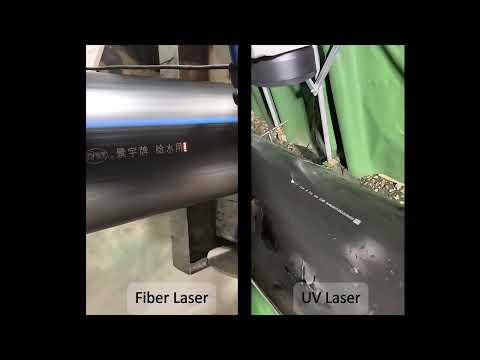
HDPE Pipe — Inline Laser Marking
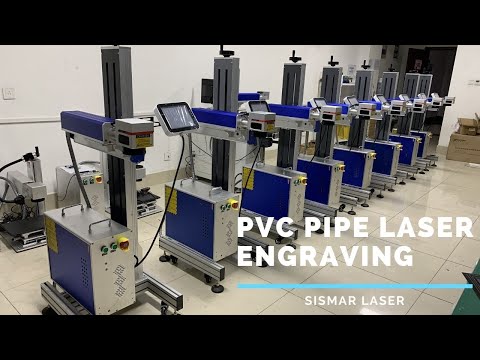
PVC Pipe — Inline Laser Marking
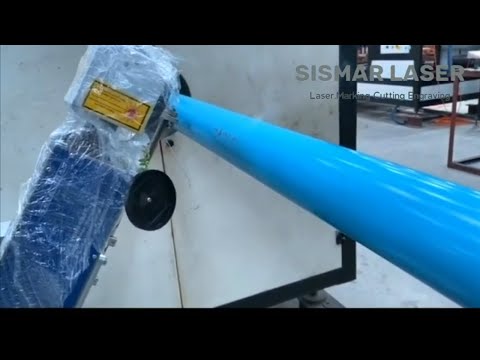
PE Pipe — Inline Laser Marking
Technical Specifications
| Parameter | 60W | 100W |
|---|---|---|
| Laser Type | Fiber | |
| Wavelength | 1064 nm | |
| Marking Speed | Up to 200 m/min* | |
| Marking Area | 100–200 mm (customizable) | |
| Min. Character Size | 0.5 mm, readability depends on material and application | |
| Galvo Scanning Speed | Up to 10,000 mm/s (not the same as production line speed) | |
| Control System | JCZ Pipeline Control System | |
| Communication | RS232 / Ethernet / TCP-IP (PLC integration) | |
| Cooling | Air-cooled | |
| Power Supply | AC 220V ±10%, 50/60Hz | |
| Operating Environment | 15–35°C, 10–80% RH | |
| Machine Dimensions | 1500×600×1200 mm (standard open-frame; enclosed version confirmed at quotation) | |
| Machine Weight | ~220 kg (standard open-frame; enclosed version confirmed at quotation) | |
| Safety | Emergency stop; guarding/enclosure level depends on configuration (see Standard / Enclosed above) | |
| Compliance | CE compliant | |
*200 m/min is what we’ve measured on the standard setup. Your actual speed depends on marking content, character height, number of lines, and repeat spacing — tell us your line speed and what you want on the pipe, and we’ll confirm the real cycle time before you commit.
UV configurations are quoted separately — power and marking field are selected after material testing, based on what gets the best result on your pipe.
Questions We Get Asked
Can the same system mark HDPE, PE and PVC pipes?
Yes — fiber laser at 60W/100W is our standard setup for HDPE and PVC alike. Some PE grades and colored pipe do better under UV. Send a sample if you want to be sure before you order.
Do you need my exact pipe diameter to quote this?
Not for the standard machine — that one runs across diameters as-is. You only need to give us diameter if you’re going with the fully enclosed version.
What’s the real marking speed?
Up to 200 m/min on the standard configuration. What you’ll actually get depends on how much content you’re marking, character height, and how tight the repeat spacing is. Tell us your line speed and content, we’ll confirm the real number before you buy anything.
How long does the mark actually last?
It’s lasered into the pipe, not sitting on top of it, so there’s nothing to peel or smear. Exactly how it holds up depends on your pipe material — that’s part of what the sample test tells you.
Can it handle QR codes and changing batch numbers run to run?
Yes, that’s standard — batch numbers, dates and QR codes are handled as variable data, with recipes selected through the HMI or your host system.
Will it talk to our PLC or MES system?
Yes — RS232, Ethernet, or TCP/IP connects it to your host computer and PLC. For MES integration specifically, tell us your protocol and we’ll confirm compatibility before you order. Once it’s wired in, marking triggers automatically off your line’s own sensors — nobody’s standing there hitting a button per pipe.
Standard or fully enclosed — how do I know which one I need?
If you’re not sure, you probably want standard. The enclosed version is for specific situations — dust control, guarding requirements. If that’s not your line, don’t pay for it.
Ready to see it on your material?
Send us your pipe sample, spec, or line speed — we’ll test it and recommend the right configuration.